
Download the free camera math solver, calculator and currency converter for Android — snap a photo and solve any math problem in seconds.

Free · Android · from Google Play
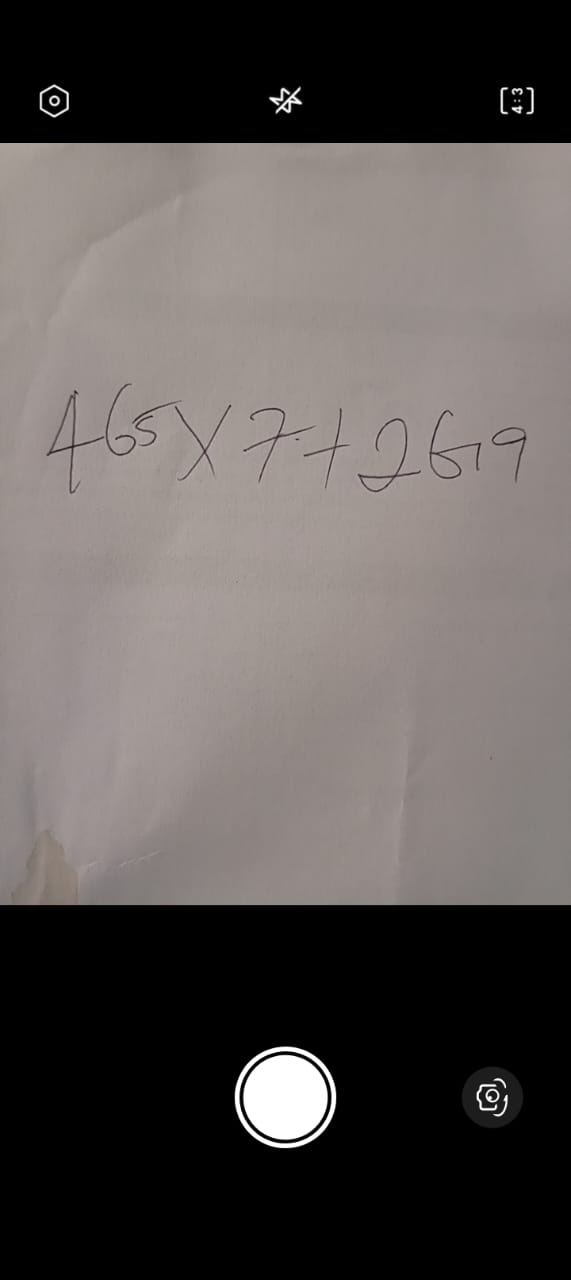
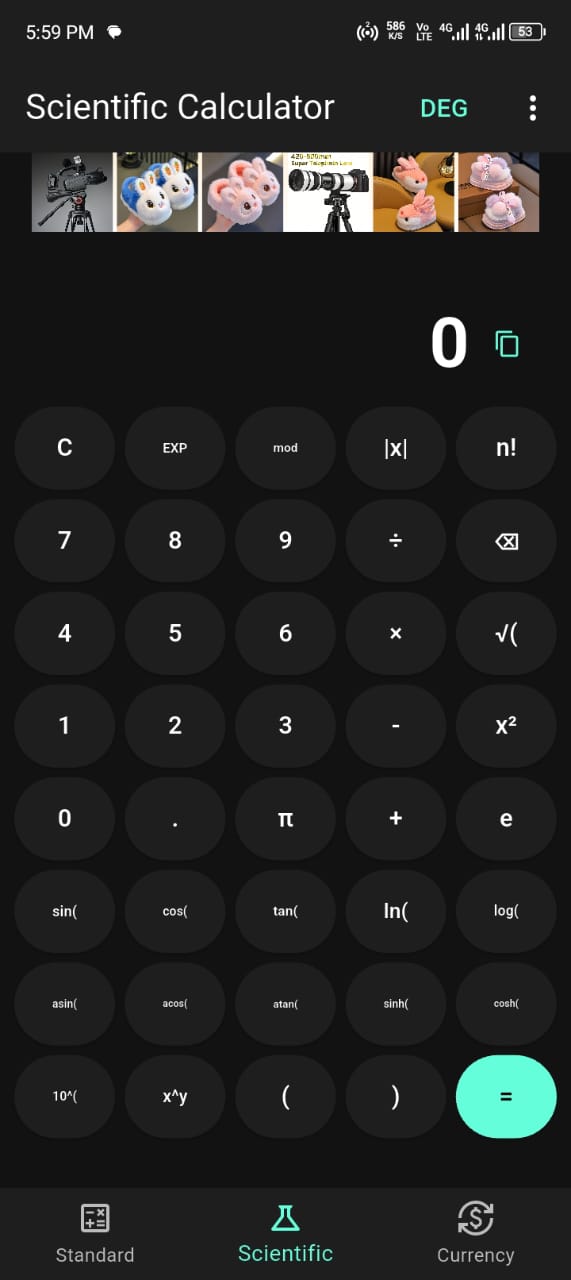
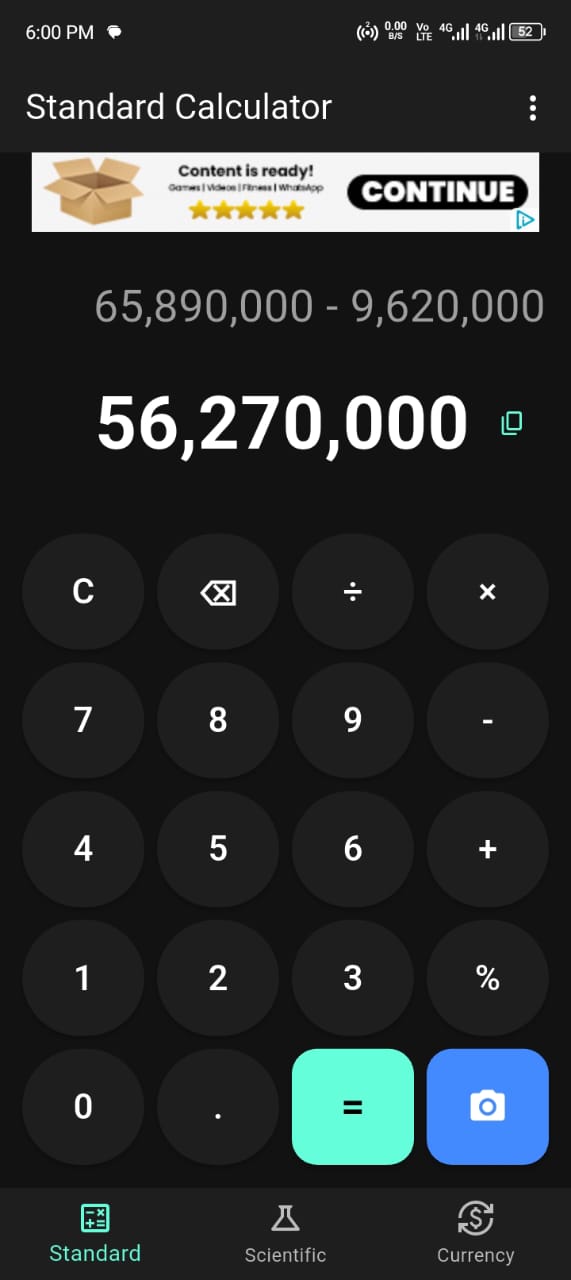
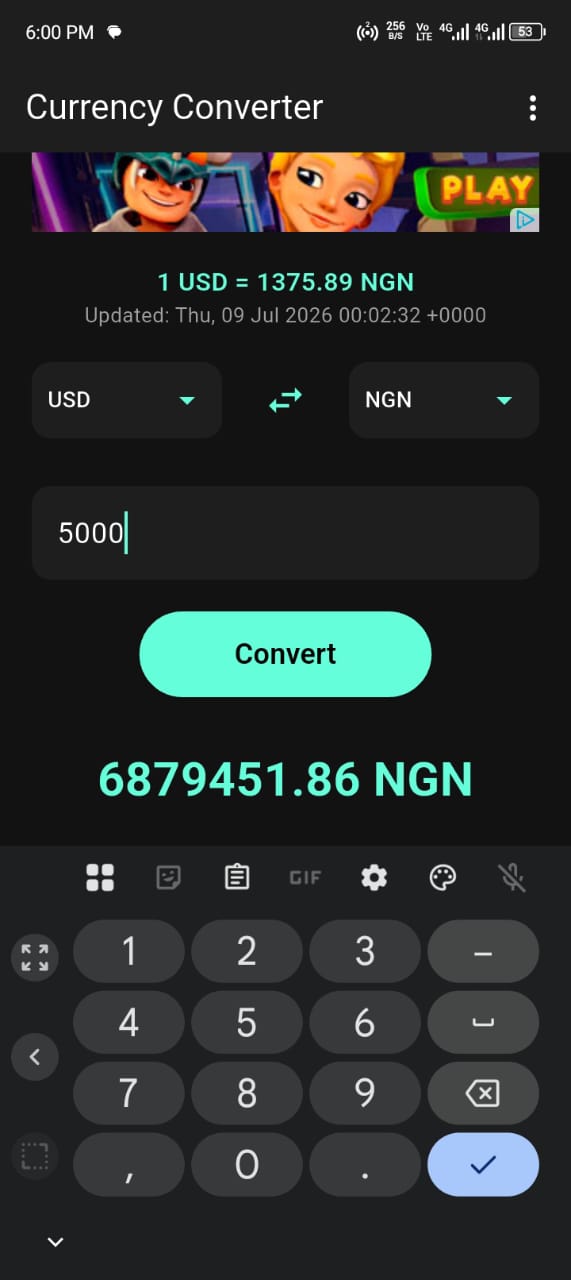
Tap the "Get it on Google Play" button above on your Android phone or tablet.
Press Install on the Camera Calculator: Math Solver listing and wait for it to download.
Launch the app, point your camera at a math problem, and get your answer instantly.
Android smartphone or tablet with a working camera and Google Play access.
Downloading Camera Calculator: Math Solver takes less than a minute, and there is no cost, subscription or sign-up involved. The app is published on the Google Play Store by Topweb Technologies Ltd, so you install it the same trusted way you install any other Android app. Once it is on your device, the camera math solver, standard and scientific calculator and currency converter are all ready to use straight away — no accounts to create and no complicated configuration to work through.
Tap any Google Play button on this page from your Android phone or tablet. This opens the official Camera Calculator: Math Solver listing in the Play Store, where you press Install. The app downloads and installs automatically, then appears in your app drawer ready to open. The first time you scan a problem, Android will ask for camera permission — this is what allows the photo math solver to read your equations, and you stay in full control of when the camera is used. If you are browsing on a desktop computer, you can still open the Play listing, and the app will be waiting on your phone when you next pick it up.
Camera Calculator: Math Solver runs on modern Android smartphones and tablets. To get the full experience you need a working rear camera for scanning and an internet connection for features such as live currency conversion, which fetches up-to-date exchange rates. The app itself is lightweight, so it installs quickly and uses very little storage, making it suitable even for older or lower-end devices. If your phone can run everyday apps from Google Play, it can almost certainly run Camera Calculator.
Updates are delivered automatically through Google Play, so you always have the latest improvements to accuracy, speed and features without doing anything manually. If you prefer, you can open the Play Store, search for Camera Calculator and tap Update whenever a new version is available. Each release is documented on our changelog and release notes pages, and you can see what is coming next on the roadmap. Regular updates mean the app keeps getting faster and smarter over time.
Once the app is installed, the best first step is to try a quick scan so you know exactly how it works. Open Camera Calculator, tap the camera, grant permission when asked, and point it at any simple sum. Seeing your first instant answer takes the mystery out of the app and shows you how fast it is. From there, explore the calculator and currency converter so you know all three tools are there when you need them.
Always download Camera Calculator: Math Solver from the official Google Play Store rather than from unofficial sources. Installing through Play means you get the genuine, up-to-date app, automatic security checks, and seamless updates whenever a new version is released. It also makes leaving a review and receiving support straightforward. Sticking to the official listing is the safest and simplest way to get the app and keep it current.
If you ever need to remove the app, you can uninstall it like any other Android app by pressing and holding its icon and choosing Uninstall, or through your device settings. Reinstalling is just as easy — return to the Google Play listing and tap Install again. Because the app is lightweight and free, you can add or remove it whenever you like without any fuss.
Yes. Camera Calculator: Math Solver is free to download and free to use. You get the camera math solver, the calculator and the currency converter without paying anything, which is exactly why so many students, shoppers, travellers and professionals choose it as their everyday math app. If you ever have a question about installing or using it, our Help Center, FAQ and support team are here to help. Download it today and start snapping, calculating and converting in seconds.
Solve math by photo, calculate and convert — free on Google Play.
Point your camera at any equation and get the answer instantly. Scientific calculator, currency converter and step-by-step solutions — free.
Install NowFree on Google Play · No sign-up required