Invoice maker
Add your business and customer details, an invoice number, dates, line items, payment terms, tax, discounts, notes and totals. Export a professional invoice PDF ready to send.
Free Invoice Maker helps freelancers and businesses create unlimited invoices, receipts, quotations and waybills, calculate totals, add tax or discounts, and send polished PDF documents from one simple Android app.
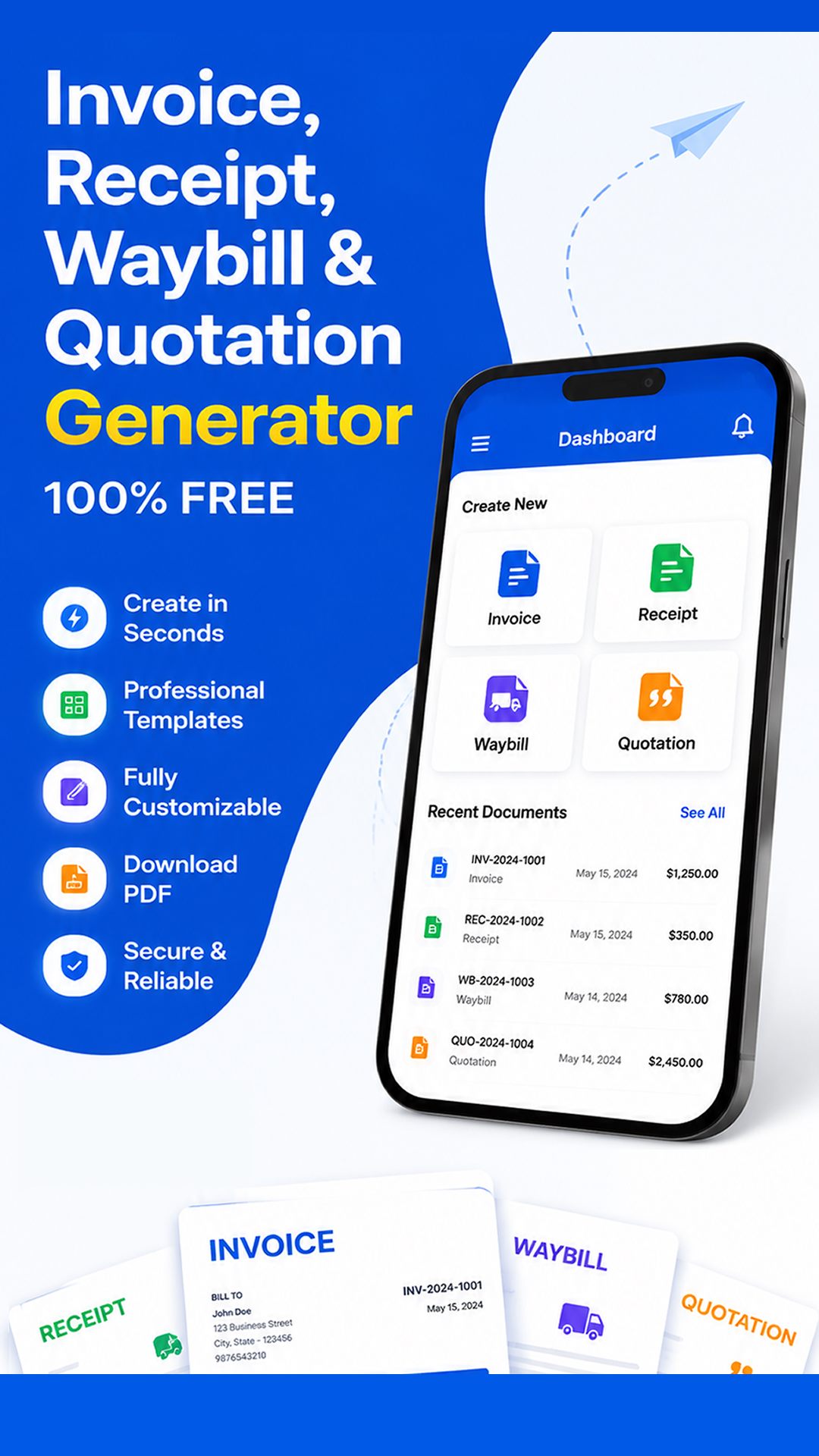

Replace scattered templates and manual calculations with a focused mobile workflow built for clear, professional customer documents.
Add your business and customer details, an invoice number, dates, line items, payment terms, tax, discounts, notes and totals. Export a professional invoice PDF ready to send.
Confirm completed payments with a clean receipt. Record the transaction clearly and give your customer a professional PDF they can save, print or share.
Present products, services and prices before work begins. Create an organized quotation or estimate that helps a potential customer understand the proposed cost.
Document a delivery with sender, receiver, product and reference information. Generate a printable waybill for logistics, transport and product movement.
When a customer is waiting, speed matters. Free Invoice Maker turns document creation into a short, repeatable process on your Android phone or tablet. Enter the relevant details, review the automatically calculated amount, then produce a PDF for your records or customer.
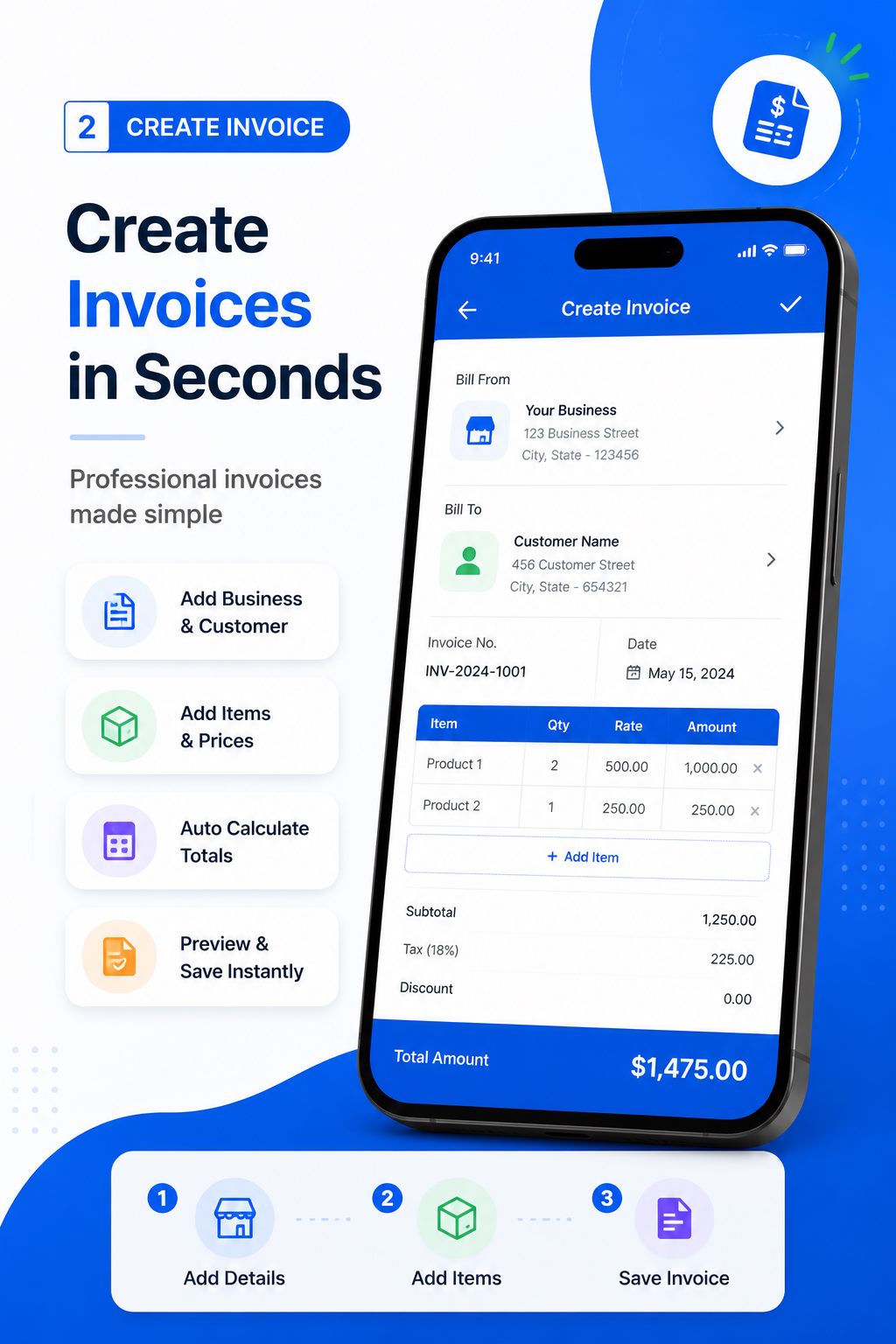
Choose the document type, enter your business and customer information, then add products or services, quantities and prices.
Set relevant tax or discounts, include dates and terms, and confirm the automatically calculated subtotal and final amount.
Preview the finished document, save a high-quality PDF, print it when needed, or share it directly with the customer.
The same core document workflow supports one-person businesses, growing teams and companies that need a fast mobile option.
Invoice design, writing, development, marketing, training or advisory work from wherever you finish the project. Itemize fees, state payment terms and send a customer-ready PDF.
Create quotations before an order, invoices when a sale is confirmed, receipts after payment and waybills when products leave for delivery.
Document labour, materials and service charges for construction, repairs, electrical work, plumbing, maintenance and other field services.
Build clear itemized documents for product orders and use waybills to record sender, receiver and delivery information.
Prepare printable delivery waybills with the essential shipment details while also creating invoices and receipts for related charges.
Present your business professionally without buying complex desktop accounting software merely to create customer documents.
See the official app interfaces for invoices, receipts, quotations and waybills.
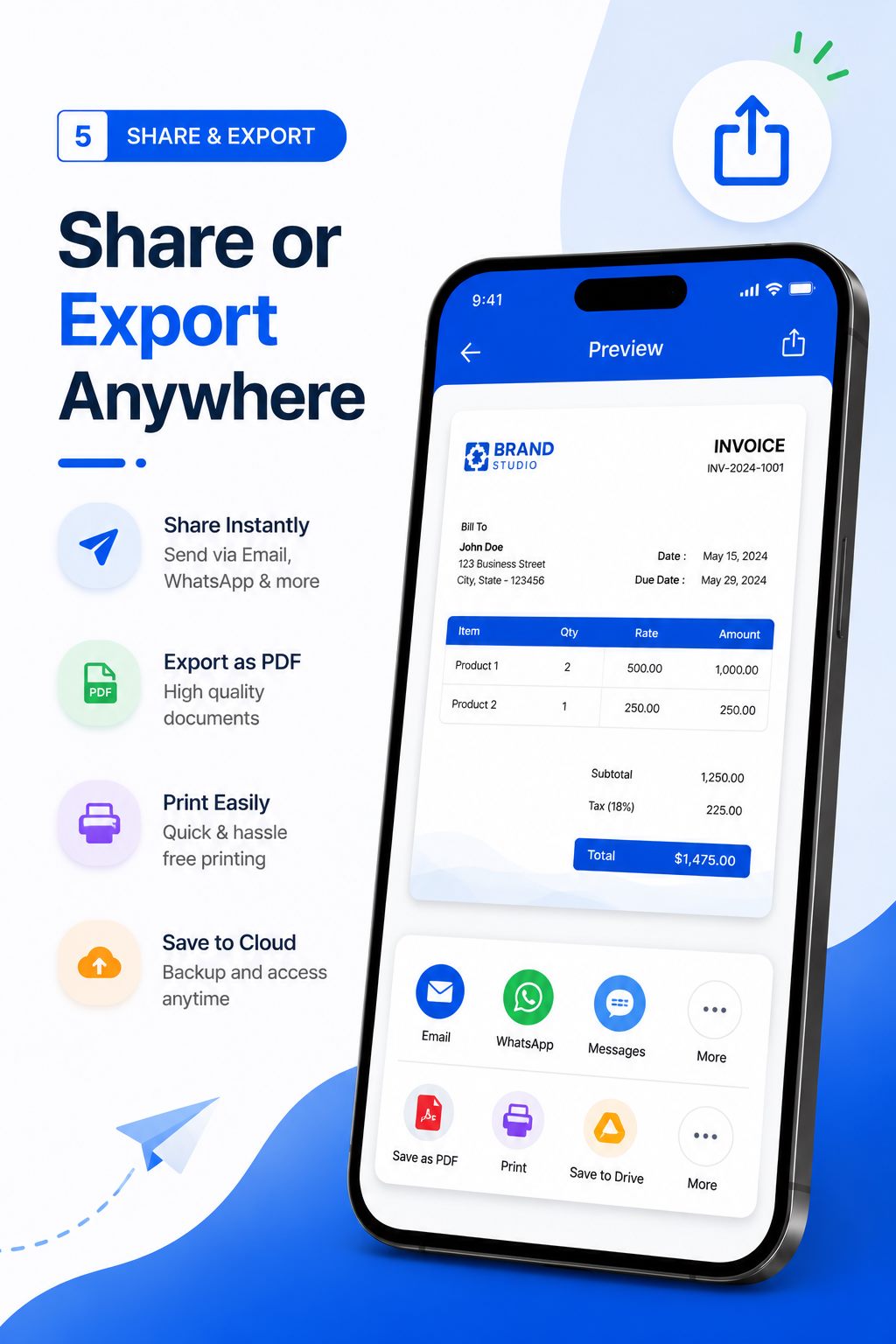
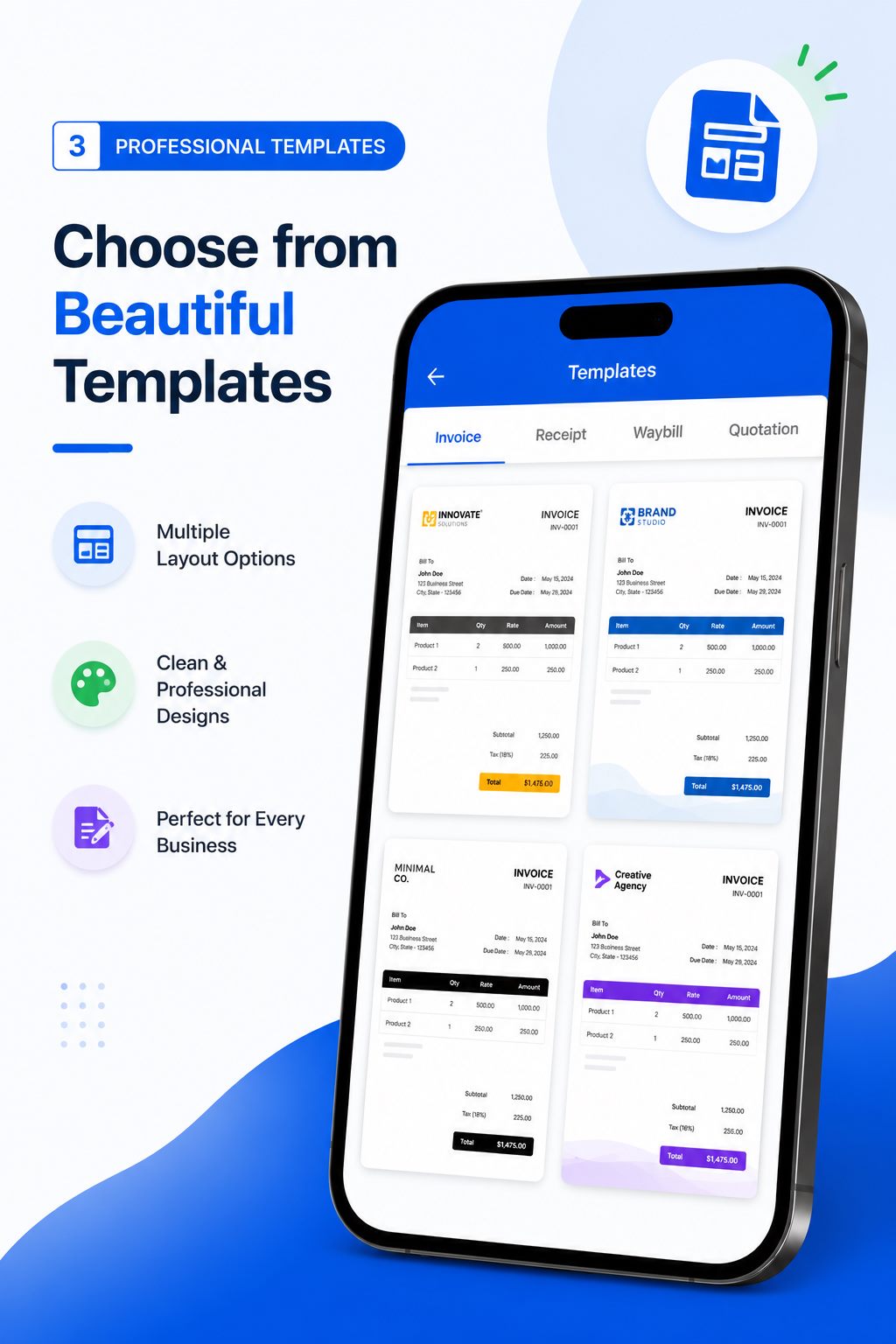
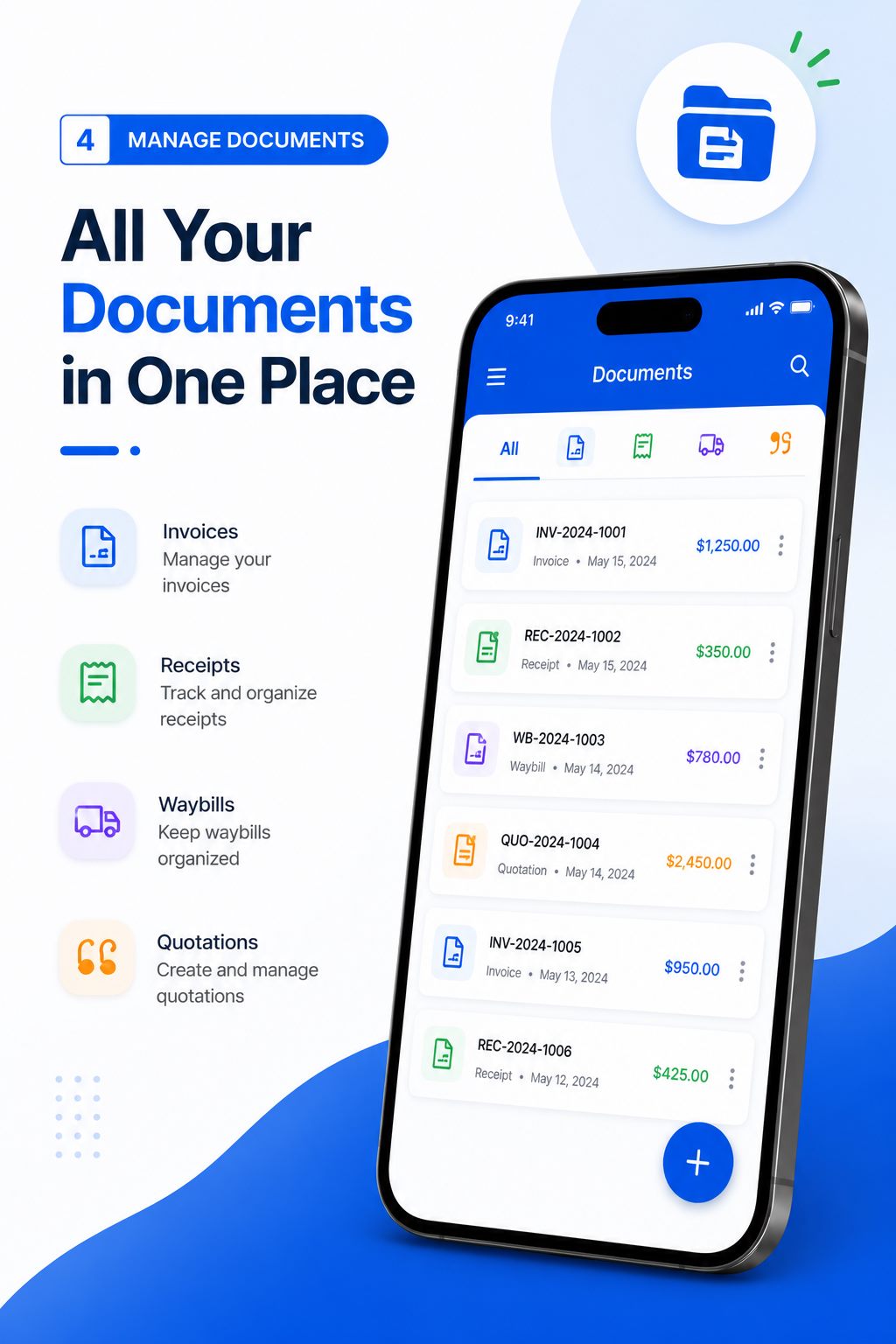
Install Invoice & Quotation Generator from the official Google Play listing.

A professional invoice does more than request money. It tells the customer who supplied the goods or services, what was supplied, how much is due and when payment is expected. A consistent document also makes it easier for both sides to discuss an order. Free Invoice Maker brings that basic business discipline to an Android device without requiring a complicated accounting platform. The app is especially useful when work happens away from an office, when a customer needs a document quickly, or when a small business wants a clean PDF instead of an improvised message.
The app’s focused approach is important. It does not claim to replace bookkeeping, tax advice, inventory control or a complete enterprise accounting system. It helps you produce the customer-facing documents named on the page: invoices, receipts, quotations and waybills. You remain responsible for checking customer information, pricing, tax treatment, payment terms and legal requirements before sending any document. Our product documentation explains the fields and review process, while the Help Center covers common questions.
Use a quotation when a potential customer needs proposed pricing before agreeing to buy. Use an invoice when you need to state what a customer owes for agreed products or services. Use a receipt after payment to acknowledge the amount received. Use a waybill to accompany or record the movement of goods from a sender to a receiver. These documents serve different purposes, so one should not automatically be treated as a substitute for another. If local rules require specific wording, numbering or tax details, add the required information and consult a qualified professional.
Ready to replace manual calculations and inconsistent templates? Download Free Invoice Maker on Google Play, review the beginner tutorials, and create your first professional PDF. You can also learn who publishes the app on the About page or explore the searchable AI knowledge base.
Create unlimited invoices, receipts, quotations and waybills on Android. Download PDFs and share with customers in seconds — free.
Install NowFree on Google Play · No sign-up required