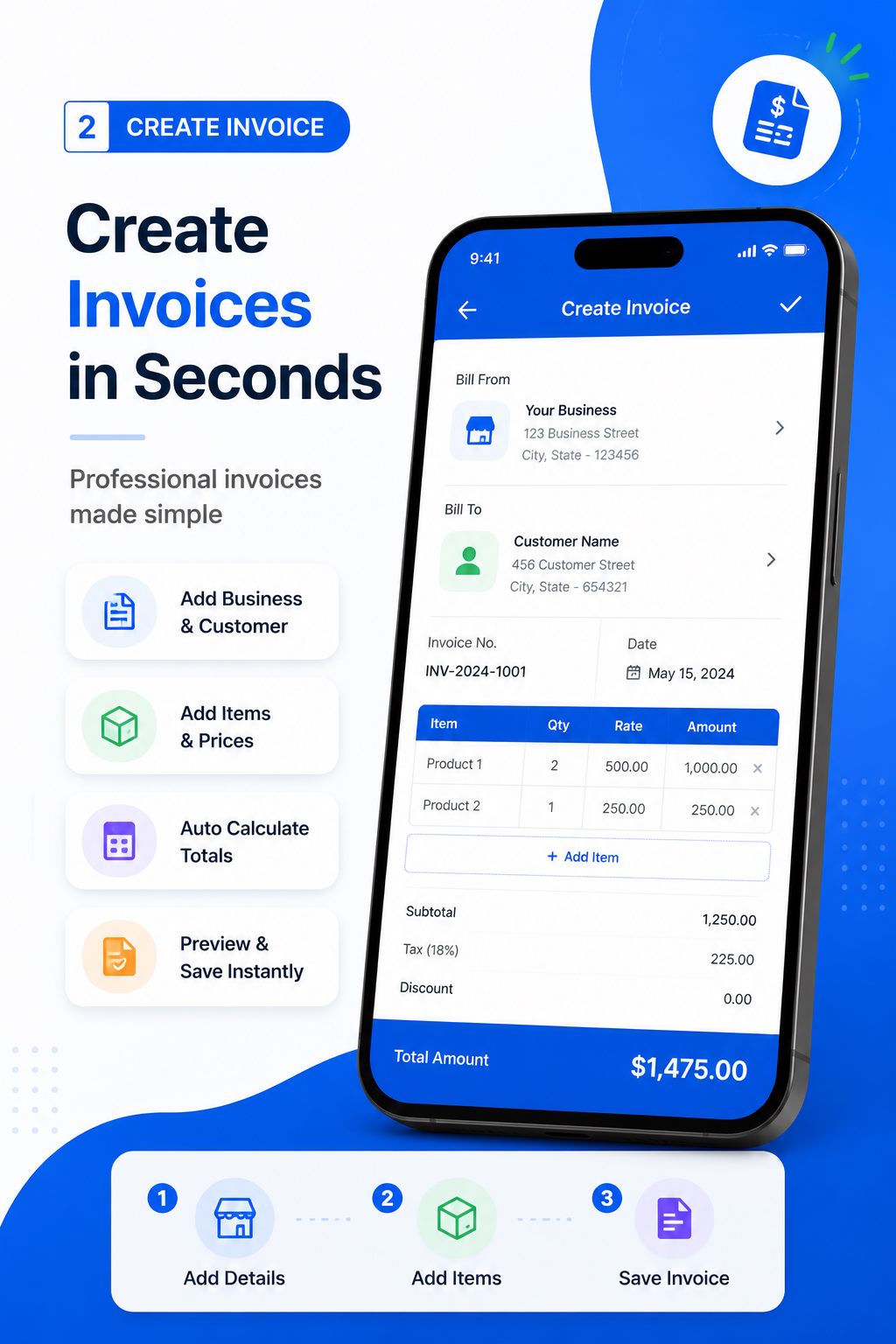
Business and customer details
A professional document should identify the parties clearly. Free Invoice Maker provides fields for business information and customer details so the recipient can understand who issued the document and whom it concerns. Accurate names, contact details and addresses can prevent confusion, especially when one customer has multiple locations or when a business trades under a particular name.
Document-specific fields provide additional context. An invoice number helps identify an invoice; issue and due dates communicate timing; payment terms explain expectations; line-item notes can clarify the work; and a waybill reference can help connect a delivery to an order. Which fields are legally required depends on the location, type of transaction and business status. The app supplies a document-creation tool, while the user supplies and verifies the required content.
PDF download and print-ready output
Every supported workflow is designed to produce a PDF document. PDF is useful because it preserves layout more consistently than editable text when opened on different devices. After creating and previewing a document, download the PDF for your records, attach it to a customer conversation or print it when a physical copy is needed.
A downloaded file is only useful when it can be found later. Consider a simple naming practice that includes the document type, number, customer and date, and store copies according to your record-retention obligations. Free Invoice Maker creates the file; your normal device, cloud storage or business process determines how long it is retained and who can access it.
Fast document sharing
The app supports sharing generated PDFs through compatible options available on the Android device. That can shorten the time between creating an invoice and delivering it to the customer. Before sharing, confirm the intended recipient, check that the attachment is the final version, and avoid placing unnecessary confidential information in a document.
Delivery through a messaging or email app is controlled by that third-party service and its privacy practices. A successful share action also does not guarantee the customer has read, accepted or paid an invoice. Use your normal follow-up process and keep evidence required for your business records.
Simple mobile interface
The product is designed around a clean, direct flow rather than an extensive accounting dashboard. That makes it suitable for people who primarily need a business-document maker on Android. The user chooses a document type, completes the relevant fields, checks the preview and produces a PDF. The current store listing states that the app works for businesses of different sizes and requires Android 7.0 or later as of August 2026.
Because device models, Android versions and permissions differ, availability of printing or particular sharing destinations may vary. If a PDF will not open, download or share, visit the Help Center for storage, viewer and connectivity checks. The documentation provides the complete workflow.
Free and unlimited document creation
The official listing describes unlimited invoices, receipts, quotations and waybills for free and identifies the app as containing ads. “Free” refers to the documented creation features available in the current version; Google Play information can be updated. Check the live store page for the latest availability, content rating, advertising and compatibility details.
Features for different types of work
Freelancers can itemize project fees and send an invoice immediately. Contractors can separate labour and materials. Consultants can create a quotation before an engagement. Retailers can issue invoices and receipts for orders. Suppliers can pair a sales document with a delivery waybill. Logistics businesses can create delivery records. The flexible element is the information entered; the consistent element is the professional PDF output.
Free Invoice Maker is not described as a full bookkeeping, payment-processing, inventory or tax-filing platform. That distinction keeps expectations accurate. Use it to create the supported documents, combine it with the other record systems your business requires, and obtain professional advice when a transaction raises legal or tax questions.
Explore the app safely
Install only from the official package listing, verify that the publisher is Top-web Technologies, and review permissions and Data safety information before installation. Then follow the step-by-step tutorials to create a test document without sensitive customer information. Once you understand the preview and export flow, you can create a real document and check it carefully before sharing.
Download Free Invoice Maker on Google Play or read the FAQ for concise answers about cost, PDF output, document types and privacy.