
How to download Free Invoice Maker safely
- Open the official Google Play link on this page.
- Verify the app title is Invoice & Quotation Generator.
- Verify the developer is Top-web Technologies.
- Confirm the package in the URL is
com.freeinvoicemaker. - Review the latest description, Android requirement, ads label, permissions and Data safety section.
- Tap Install and let Google Play complete its normal verification.
- Open the app and create a test document with invented information.
Go to the official Google Play download now.
Why download from Google Play?
The official listing connects the app to its publisher, supplies current compatibility and Data safety information, and uses Google Play’s delivery and update process. An APK from an unknown website can be old, modified or falsely labeled. This website does not provide a direct APK and does not recommend bypassing Play Protect or Android security warnings.
Current listing details
| Google Play title | Invoice & Quotation Generator |
|---|---|
| Common product name | Free Invoice Maker |
| Developer | Top-web Technologies |
| Package | com.freeinvoicemaker |
| Category | Productivity |
| Version reviewed | 1.0.0 |
| Android reviewed | 7.0 and later |
| Updated on listing | 18 August 2026 |
| Price statement | Unlimited document creation free |
| Advertising | Contains ads |
These facts were reviewed on 24 August 2026 and can change. The live store page is authoritative for the version offered to your device and region.
What you get after installation
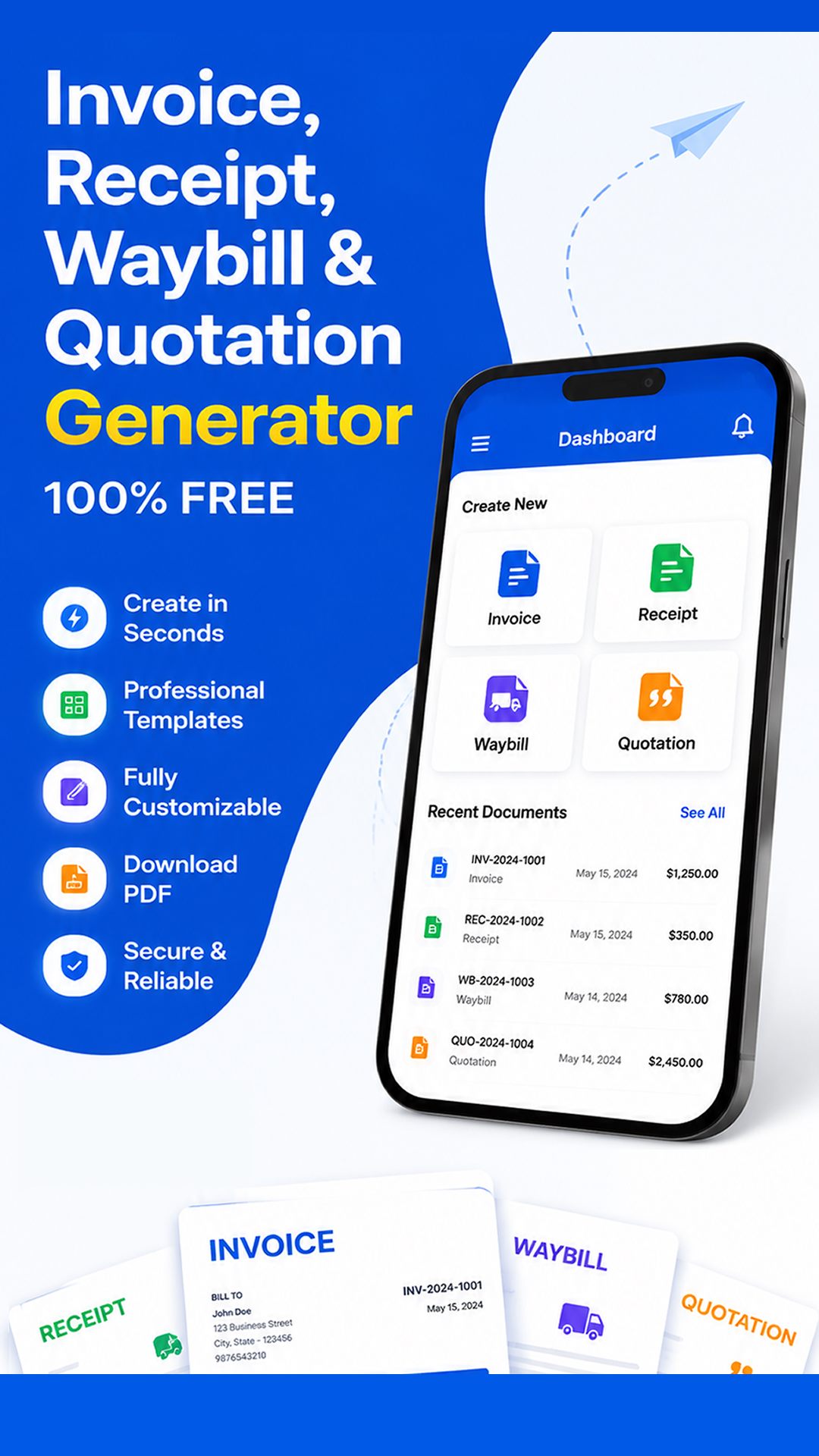
The app creates four professional business documents. Use Invoice Maker for an amount due, Receipt Maker after receiving payment, Quotation Maker to propose pricing, and Waybill Maker for delivery information. Enter business and customer details, itemized products or services, dates and references. Add tax or discounts where valid, review automatic totals, and create a high-quality PDF.
PDF files can be downloaded, printed and shared through compatible Android apps. Device storage, viewers, printers and third-party delivery services operate separately. The app does not replace accounting, payment processing, tax advice or legal review.
Compatibility and storage
If Google Play marks the app incompatible, check the Android version in Settings and confirm you are using the intended Google account and region. Do not force installation from an untrusted source. Keep enough storage for the app and generated PDFs. Requirements may rise in later releases as Android security and platform features evolve.
Data safety before you install
The Google Play Data safety section reviewed on 24 August 2026 declared no data collected and no data shared with third parties. The listing states that the app contains ads. Read the current panel and our Privacy Policy. The PDFs you create can contain information you enter, so secure your device and share documents only with intended recipients.
Create your first test invoice
Open the app, choose Invoice, enter invented business and customer information, add one service and price, preview the calculation, and download the PDF. Open it in a trusted viewer. This safe practice teaches the workflow before real customer details are involved. Then read the full tutorial and field documentation.
Troubleshooting installation
For a stuck download, check connectivity and free storage, pause other Play Store updates and restart the device. For a missing PDF after installation, check Files, Recent and Downloads. For printing or sharing, verify that a compatible viewer or destination app is installed. The Help Center provides detailed checks.
Start creating professional documents
Free Invoice Maker is useful for freelancers, retailers, suppliers, contractors, online sellers, consultants, technicians, logistics businesses and other service providers. Its value is a short path from accurate transaction details to a customer-ready PDF.
Download Free Invoice Maker for Android from Google Play. Review every document before you print or send it.
