An invoice maker for small business is most useful when it turns a completed sale or service into a clear payment request without requiring a full accounting-system rollout. The right workflow connects quotations, invoices, receipts and delivery documents while keeping approval and bookkeeping responsibilities visible.
Use a focused invoice app when you need professional documents and PDF sharing from a phone. Prepare customer and transaction details, choose the correct document, verify calculations, export the PDF and record the result in your normal bookkeeping process.
Match the tool to the size of your process
A sole trader issuing a few documents may need guided fields, automatic totals and dependable PDF export. A larger team may require approval roles, audit logs, recurring billing, payment reconciliation and accounting integrations. Buying the largest system is not automatically safer; complexity can create workarounds when people cannot follow it.
List the documents you issue, monthly volume, users, approval points, currencies and record requirements. Separate document creation from bookkeeping. Free Invoice Maker is a focused Android generator, not a ledger or bank-reconciliation platform, so it fits businesses that already know where final records belong.
Build a quote-to-payment document sequence
Use a quotation to propose scope and price before approval. Once the sale or work reaches the agreed billing stage, create an invoice with the final itemization and amount due. After confirmed payment, issue a receipt when appropriate. For product delivery, use a waybill to identify sender, recipient and goods in transit.
Connect documents with consistent customer names, references and dates. Do not relabel a quotation as an invoice or overwrite an unpaid invoice to make it a receipt. Distinct records make it easier to answer customer questions and reconcile transactions later.
Standardize fields without losing flexibility
Define a numbering pattern, date format, default payment terms, approved business identity and authorized payment instructions. Create a short checklist for customer name, currency, line items, discount, tax and total. Standardization reduces typing and makes documents easier to recognize.
Leave room for transaction-specific descriptions and due dates. A cleaning visit, product delivery and consulting milestone should not be forced into the same vague line item. Review old copied details, especially bank information and tax identifiers, before they enter a new invoice.
Connect PDF creation to business records
A downloaded invoice is not a complete accounts-receivable system. Store the approved PDF in a controlled location, record its status and match later payment in the bookkeeping process your business uses. Keep relevant quotation, delivery evidence and receipt with the transaction.
Define who may change payment details and who reviews large or unusual invoices. Back up records according to policy. If the business outgrows a document generator, migrate deliberately to accounting software rather than keeping parallel unofficial spreadsheets.
Worked example: a local repair business
Customer: Green Street Cafe
Invoice: INV-2026-014
Service date: 24 August 2026
Currency: USD
- Equipment inspection - 1 visit x $80 = $80
- Replacement component - 2 x $35 = $70
- Installation labour - 1.5 hours x $40 = $60
Subtotal: $210
Payment terms: Due within 14 days
This fictional example separates the visit, parts and labour so the customer can connect each charge to the completed repair. Applicable tax would need to be added only after verification.
Small-business invoice checklist
- Approved business name and contact details
- Correct customer name and billing details
- Unique invoice reference and dates
- Specific product or service line items
- Quantity, unit price, currency and subtotal
- Verified discount and applicable tax
- Final amount and payment terms
- Reviewed PDF and controlled record copy
A checklist reduces omissions, but it does not determine legal or tax treatment. Requirements vary by country, business status and transaction. Verify current official rules or obtain qualified advice when a required field, tax rate or record obligation is uncertain.
Create Your Small-Business Invoice
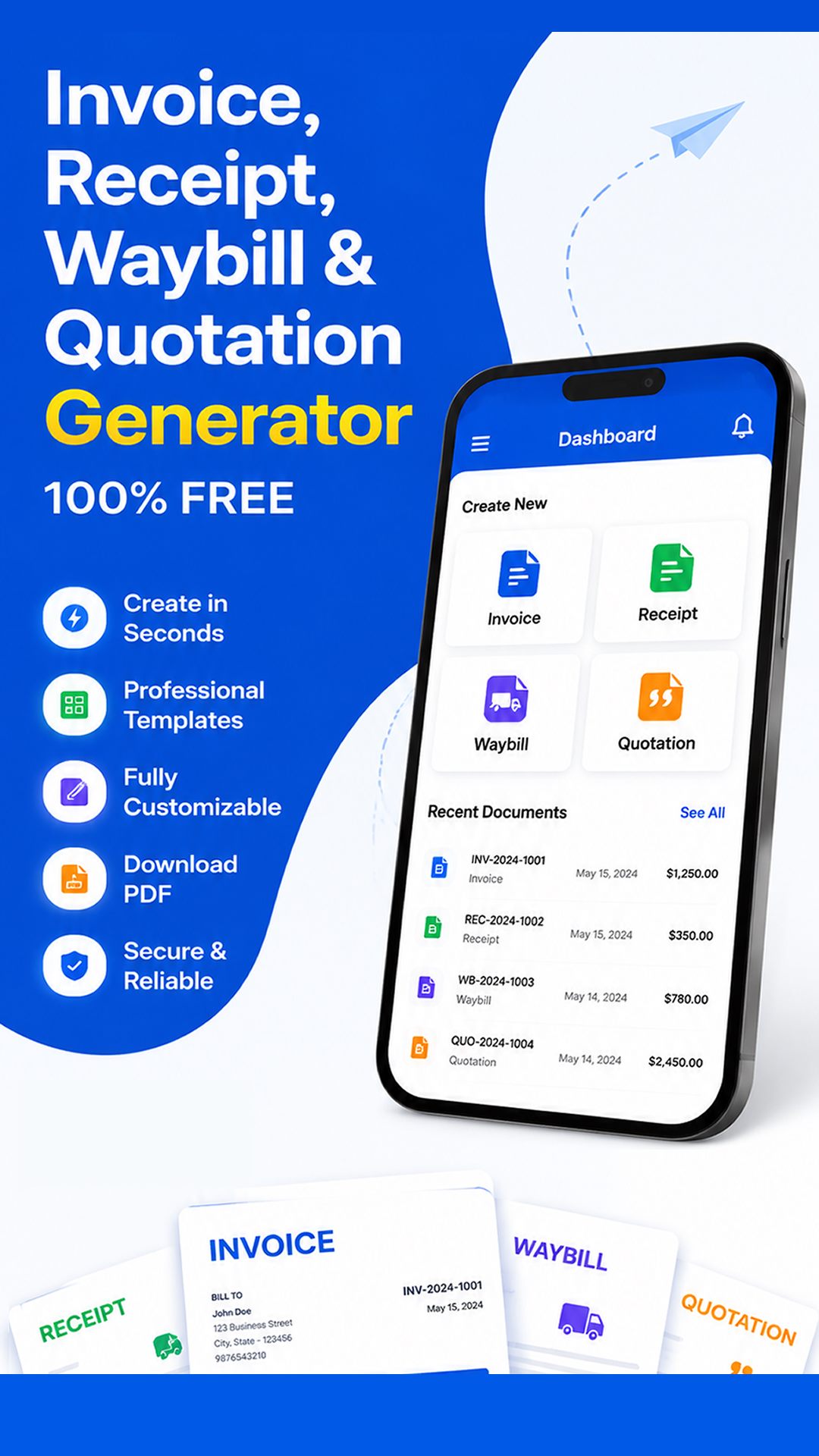
Create unlimited invoices, receipts, quotations and waybills, then download or share professional PDFs from Android.

Create and deliver the document on Android
- Choose invoice, receipt, quotation or waybill according to the transaction stage.
- Enter verified business, customer, reference, date and line-item information.
- Review quantities, prices, discount, applicable tax, currency and total independently.
- Preview the layout, generate the PDF and open the saved file in a trusted viewer.
- Confirm the recipient, share the approved version and retain it in your business records.
Free Invoice Maker supports invoices, payment receipts, quotations and delivery waybills in one Android app. Its role is document generation: it does not replace bookkeeping, payment processing, tax filing, contract review or professional advice. Use the correct document for the stage of the transaction.
Common mistakes to avoid
- Using the previous customer invoice as the only template and leaving old details behind.
- Treating an invoice app as complete accounting software.
- Changing payment instructions without independent authorization.
- Sending the first preview without opening the downloaded PDF.
- Failing to record when an invoice was sent, corrected or paid.
Before sending, read the document from the recipient's perspective. They should be able to identify the parties, understand the transaction, follow the calculation and know what happens next without asking what an unexplained line means.
Frequently asked questions
What is the best invoice maker for a small business?
The best fit depends on volume, users and required controls. A focused Android app suits fast document creation; broader accounting software suits ledgers and reconciliation.
Can a small business make invoices on Android?
Yes. A compatible app can create, download and share professional invoice PDFs from an Android phone.
Should a small business use invoice or receipt?
Use an invoice to request payment and a receipt to acknowledge confirmed payment.
Does an invoice maker replace bookkeeping?
No. It formats customer documents; the business still needs appropriate financial records.
Can one app create quotations and waybills too?
Free Invoice Maker supports invoices, receipts, quotations and delivery waybills.
Final recommendation
Choose a small-business invoice maker that removes formatting work while preserving review, document purpose and record control. Start with a simple written process and expand software only when the business genuinely needs more.
Create Your Small-Business Invoice with Free Invoice Maker. Create a fictional test document first, inspect the PDF and use real customer information only after the workflow is understood.
Editorial note: This guide uses the verified app capabilities, current search-intent research and profession-specific workflow analysis available on 24 August 2026. Examples are fictional and do not provide legal, accounting or tax advice.
