An invoice generator for a service business should handle appointment-based work, field visits, labour, materials and fixed packages without forcing the owner to redesign a spreadsheet after every job. It should also fit the wider sequence from quote to invoice to receipt.
Confirm the completed service, reference the customer and location, itemize labour or package charges and materials, include only approved extras, verify total and terms, then generate and inspect the PDF on Android.
Design the visit-to-payment workflow
Begin with the customer booking, quotation or work order. After the visit, record the actual service, time, materials and approved changes while details are available. Create the invoice promptly, send it through the agreed route and track status in the business record.
After confirmed payment, issue a receipt when appropriate. This sequence keeps a proposal, payment request and proof of payment distinct. The app can create each document, while the business maintains the operational and financial history.
Choose billing units customers understand
Service work can be billed by visit, hour, day, fixed package, task, room, device or another meaningful unit. Use the unit in the agreement and make quantities visible. Separate labour, materials and specialist extras when the customer reviews them differently.
A fixed package may include several tasks without exposing internal cost detail. Even then, name the package and service date. Avoid a single miscellaneous service amount that makes approval difficult.
Control mobile entry in the field
Prepare customer, service and pricing information before the job. On the phone, check autocorrect, decimal placement and selected document type. Confirm approval before adding a change, rush charge or extra material. Do not type private entry codes or unrelated customer details into notes.
Open the downloaded PDF outside the invoice screen. Check service address, item lines, total and terms. Use a clear filename and verify the recipient in the share sheet rather than relying on a suggested contact.
Know when the business needs more software
A focused generator is suitable for creating professional documents. When the business needs scheduling, inventory, technician dispatch, recurring automation, bank reconciliation or multi-user approvals, evaluate dedicated field-service or accounting systems.
Do not pretend a document app contains those functions. Export and preserve records so future software decisions are not constrained by inaccessible customer documents. Choose additional systems based on a written process and actual volume.
Worked example: a mobile appliance service visit
Customer job: Dishwasher diagnosis and repair
Service reference: SV-2026-341
- Diagnostic visit - 1 x $70 = $70
- Repair labour - 1.5 hours x $55 = $82.50
- Replacement inlet valve - 1 x $48 = $48
- Functional test - included = $0
Subtotal before applicable tax: $200.50
This fictional example uses units the customer can follow and distinguishes the visit, labour and replacement component.
Service-business invoice checklist
- Customer, service address and job reference
- Service date or billing period
- Completed task or package
- Labour unit, quantity and rate
- Materials or replacement components
- Approved additional work
- Currency, discount, applicable tax and total
- Due date and authorized payment details
- Opened PDF, correct recipient and stored record
A checklist reduces omissions, but it does not determine legal or tax treatment. Requirements vary by country, business status and transaction. Verify current official rules or obtain qualified advice when a required field, tax rate or record obligation is uncertain.
Create Your Service Invoice
Turn a completed visit into an itemized customer invoice and share the reviewed PDF from Android.

Create and deliver the document on Android
- Choose invoice after the service visit, work package or approved billing milestone is complete.
- Enter verified business, customer, reference, date and line-item information.
- Review quantities, prices, discount, applicable tax, currency and total independently.
- Preview the layout, generate the PDF and open the saved file in a trusted viewer.
- Confirm the recipient, share the approved version and retain it in your business records.
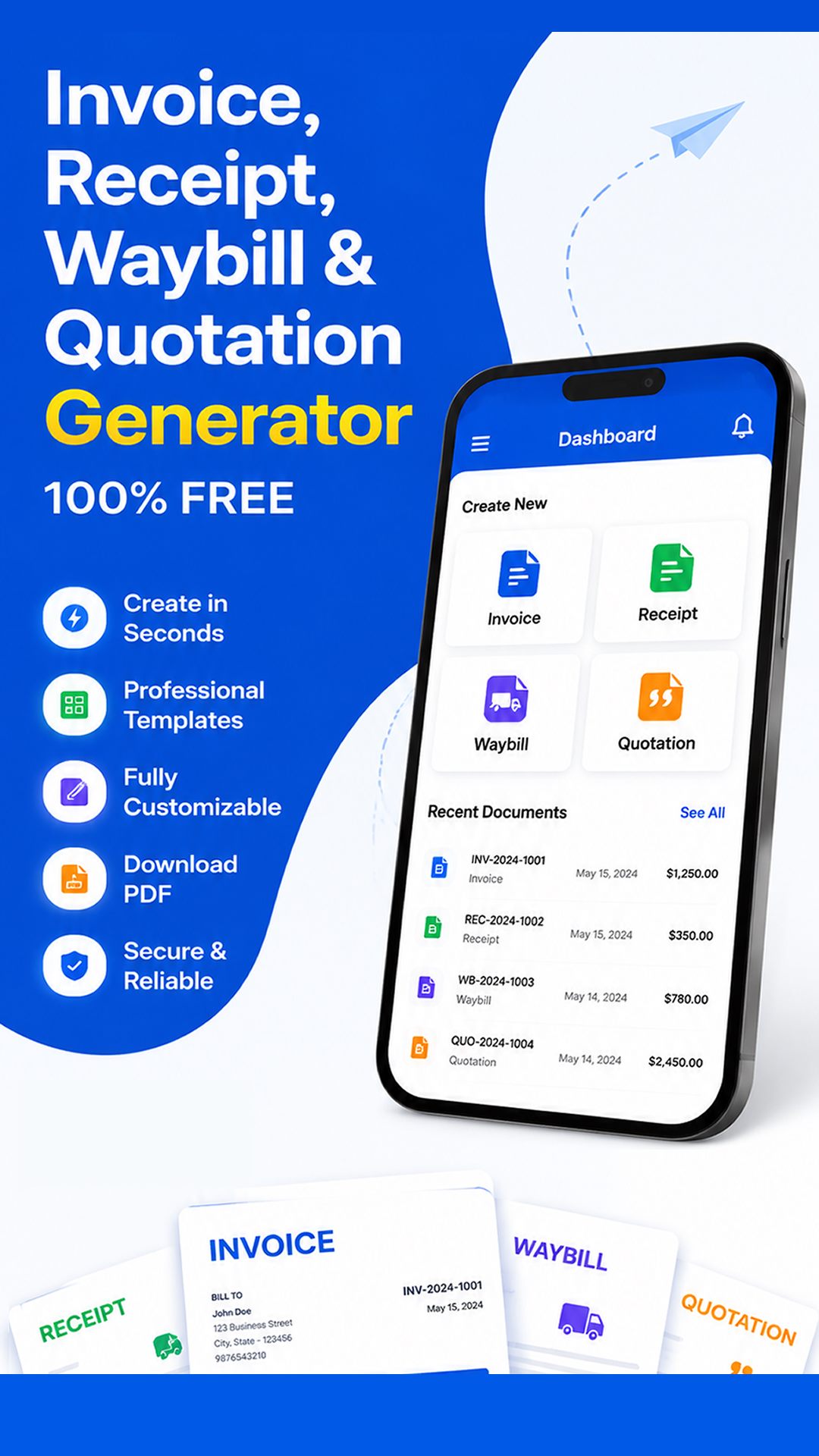
Free Invoice Maker supports invoices, payment receipts, quotations and delivery waybills in one Android app. Its role is document generation: it does not replace bookkeeping, payment processing, tax filing, contract review or professional advice. Use the correct document for the stage of the transaction.
Common mistakes to avoid
- Waiting so long that visit details are reconstructed from memory.
- Using miscellaneous service as the only line.
- Adding materials or extra work without customer approval.
- Sending a PDF without opening the downloaded file.
- Expecting a document generator to replace scheduling or accounting systems.
Before sending, read the document from the recipient's perspective. They should be able to identify the parties, understand the transaction, follow the calculation and know what happens next without asking what an unexplained line means.
Create a clear handoff from field work to invoicing
Service businesses lose accuracy when the person completing a visit and the person preparing the invoice use different notes. Establish a small handoff record containing customer identity, service address, completion date, approved work, parts used, billable time and any customer authorization reference. The invoice preparer should resolve unclear items before publishing the PDF rather than guessing from a short message.
For repeat visits, separate the current job from earlier balances and label each service date clearly. Confirm that non-billable warranty work is not accidentally charged. This field-to-office control produces faster invoices, but its real value is traceability: the customer can connect each charge to a completed visit, and the business can connect the invoice back to its source record.
Frequently asked questions
What should a service invoice include?
Include customer and job references, date, completed service, billing units, materials, approved extras, total and terms.
Can service businesses invoice from the field?
Yes. An Android app can create the invoice PDF at or after the customer location.
Should labour and materials be separate?
Separate them when that reflects the agreement and helps customer review.
What is the difference between a quote and invoice?
A quote proposes scope and price before approval; an invoice requests payment for the agreed transaction.
Does an invoice generator track payments?
Not necessarily. Free Invoice Maker creates documents; maintain payment status in the appropriate business record.
Final recommendation
A strong service-business workflow captures accurate job details, uses understandable billing units and produces the customer PDF promptly. Keep document generation focused and connect it to proper operations and bookkeeping.
Create Your Service Invoice with Free Invoice Maker. Create a fictional test document first, inspect the PDF and use real customer information only after the workflow is understood.
Editorial note: This guide uses the verified app capabilities, current search-intent research and profession-specific workflow analysis available on 24 August 2026. Examples are fictional and do not provide legal, accounting or tax advice.
