A waybill maker helps a supplier, trader or delivery business identify what is being moved, by whom, from where and to whom. Clear references and item quantities support handover while financial charges remain in the invoice and payment evidence remains in the receipt.
Choose Waybill, enter verified sender and receiver details, delivery and vehicle or carrier references where appropriate, itemize goods and quantities, review the PDF and retain evidence of dispatch and handover.
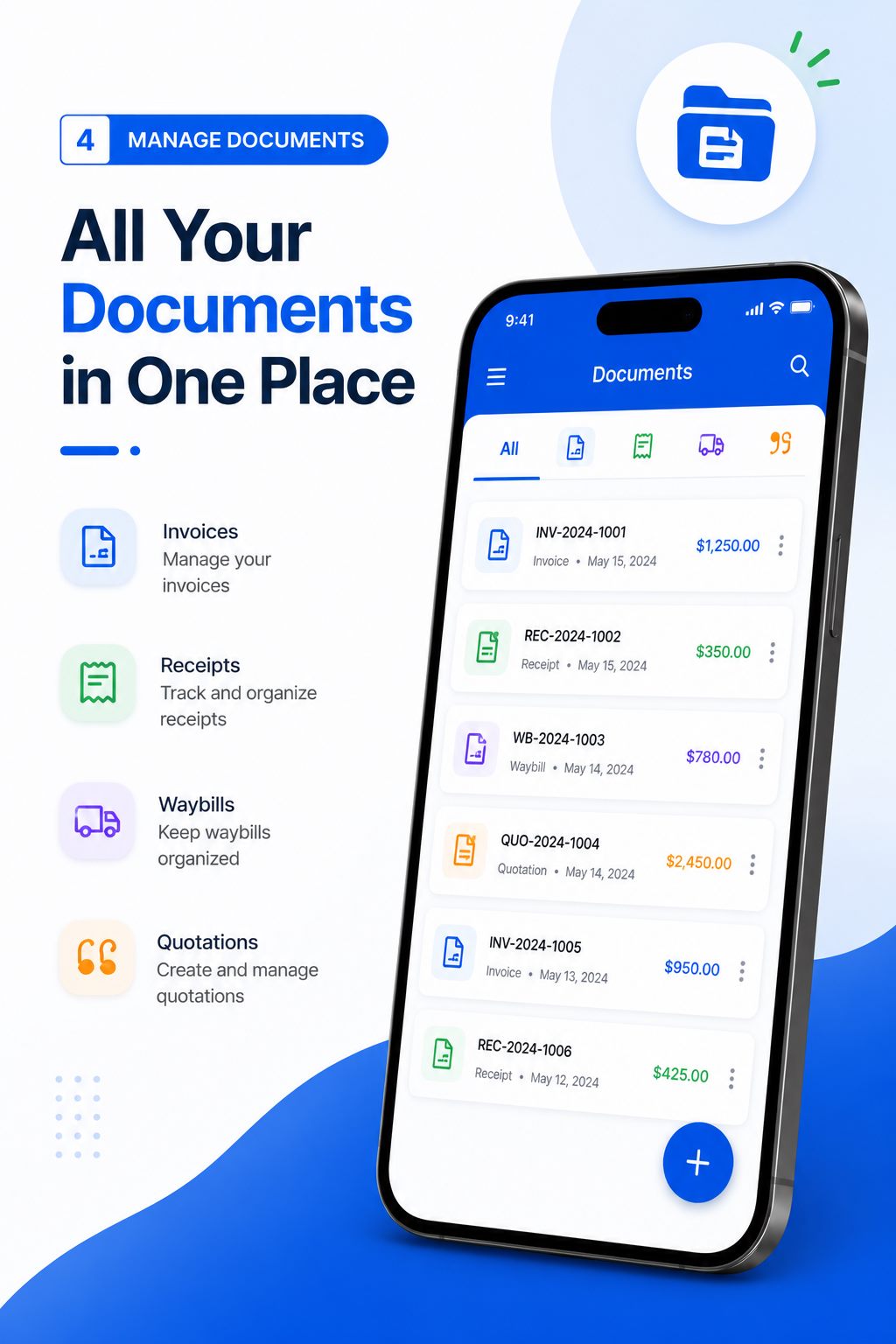
Understand what the waybill records
A waybill identifies goods in movement and the delivery parties. It may support dispatch, transport and handover records, but it is not automatically a tax invoice, proof of payment, title document or contract of carriage. Requirements and legal effects vary by jurisdiction and transport method.
Use the document only for the workflow it supports. Obtain specialist advice when regulated goods, international transport, customs, insurance or mandatory carrier documentation is involved.
Enter sender, receiver and delivery references
Use accurate sender and receiver names, contact details and addresses needed for delivery. Add a waybill number, dispatch date, destination and related order or invoice reference. Include carrier, driver or vehicle information only when appropriate and authorized.
Do not expose unrelated personal identifiers or access credentials. Confirm the destination and recipient before dispatch, especially when customer messages contain a late address change.
If several delivery points exist, create records that make each destination and item allocation unambiguous rather than relying on handwritten corrections.
Describe goods and quantities clearly
List each product or package with an understandable description, quantity and unit. Add weight, package count, condition or serial reference only when the process requires it. The waybill values should agree with packing and order records.
Do not use a single assorted goods line when the receiver needs to count or inspect items. For damaged, returned or short-delivered goods, record exceptions in the approved handover process rather than silently editing the dispatch copy.
Create a controlled handover record
Preview and open the PDF before dispatch. Give the appropriate copy to the driver, carrier or recipient and retain the business copy. Record delivery acknowledgment through the method required by the organization.
Connect the waybill to the quotation, order and invoice through references. If payment is later received, use a receipt rather than treating signed delivery as financial settlement. Preserve each document for its own evidential role.
Where the recipient notes a shortage or visible damage, record the exception through the agreed handover process and notify the responsible business contact. Do not alter the dispatch copy to erase the difference.
Worked example: a local product delivery
Waybill: WB-2026-119
Sender: Example Supply Company
Receiver: Example Workshop
Related order: SO-2026-088
- Protective gloves - 5 cartons x 20 pairs
- Safety goggles - 2 cartons x 24 units
- Tool storage case - 3 units
Package count: 10 packages
Dispatch date: 24 August 2026
This fictional waybill identifies the parties, order and physical quantities. Product prices and payment status belong in their respective records.
Delivery waybill checklist
- Unique waybill number and dispatch date
- Verified sender details
- Verified receiver and destination
- Related order or invoice reference
- Carrier or vehicle reference where appropriate
- Clear goods descriptions
- Package and item quantities
- Condition or handling note where required
- Opened PDF and controlled dispatch copy
- Handover or exception record retained
A checklist reduces omissions, but it does not determine legal or tax treatment. Requirements vary by country, business status and transaction. Verify current official rules or obtain qualified advice when a required field, tax rate or record obligation is uncertain.
Create a Delivery Waybill
Document a delivery on Android with sender, receiver, references and item details, then export the PDF.

Create and deliver the document on Android
- Choose Waybill when goods are being dispatched or delivered and a movement record is required.
- Enter verified business, customer, reference, date and line-item information.
- Review quantities, prices, discount, applicable tax, currency and total independently.
- Preview the layout, generate the PDF and open the saved file in a trusted viewer.
- Confirm the recipient, share the approved version and retain it in your business records.
Free Invoice Maker supports invoices, payment receipts, quotations and delivery waybills in one Android app. Its role is document generation: it does not replace bookkeeping, payment processing, tax filing, contract review or professional advice. Use the correct document for the stage of the transaction.
Common mistakes to avoid
- Treating a waybill as an invoice or receipt.
- Using an unverified last-minute destination change.
- Listing assorted goods when item counts matter.
- Including unnecessary driver or customer personal data.
- Overwriting the dispatch record after a delivery exception.
Before sending, read the document from the recipient's perspective. They should be able to identify the parties, understand the transaction, follow the calculation and know what happens next without asking what an unexplained line means.
Use the waybill as a delivery handoff record
Before dispatch, compare the waybill with the approved order and the physical goods. Confirm sender, recipient, delivery location, date, item descriptions, quantities and any non-sensitive handling note. The person releasing the goods and the person receiving them should be able to identify the same shipment reference. Resolve shortages, substitutions or damaged packaging before the document is treated as final.
A delivery waybill is not automatically proof of ownership, a tax invoice or a carrier contract. Its legal effect and required fields vary by transaction and location. Keep signed or acknowledged delivery evidence according to the business process, then link the waybill reference to the later invoice where useful. This handoff control reduces quantity disputes without claiming that one document replaces every logistics record.
Frequently asked questions
What is a waybill used for?
It identifies goods, sender, receiver and delivery references during dispatch or transport.
Is a waybill the same as an invoice?
No. A waybill records movement; an invoice requests payment.
Can I make a waybill on Android?
Yes. Free Invoice Maker includes a waybill maker and PDF export.
Should prices appear on a waybill?
Include only information required by the applicable delivery process; financial charges normally belong on the invoice.
Does a waybill prove payment?
No. Confirmed payment is documented through financial records and an appropriate receipt.
Final recommendation
A useful waybill makes the physical delivery traceable without pretending to be a financial or legal document it is not. Verify the parties, item counts and destination, then preserve dispatch and handover records.
Create a Delivery Waybill with Free Invoice Maker. Create a fictional test document first, inspect the PDF and use real customer information only after the workflow is understood.
Editorial note: This guide uses the verified app capabilities, current search-intent research and profession-specific workflow analysis available on 24 August 2026. Examples are fictional and do not provide legal, accounting or tax advice.
